What is it?
• A first-person shooter game based on the training range mode of the famous FPS game Valorant.
• It features aim practice, timed bot shooting practice, and a weapons helper system.
• I have implemented the entirety of the project, using the Unity Engine and C#, with models sourced from the Unity Asset Store.
Motivation
• The main motivation behind this project is learning. I wanted to implement and understand the mechanics of a first-person shooter game in the Unity Engine.
• The project implements multiple practice modes, as mentioned in the earlier section. It also has realistic weapon behaviour (sound effects, animations, etc.), player movement, and UI/UX.
Work Done
• Implemented the training modes, shooting mechanics with visual recoil (mechanical recoil is implemented in the Unreal Engine version of this project), and an FPS camera system.
• Programmed weapon animations for reloading, also created post processing effects for visual enhancements.
• Designed the main level with all the scenery, skybox, distant fog effect, and environment models.
• Implemented VFX using Unity's Particle system to create muzzle flashes, hit effects, and other visual enhancements.
• Built the UI/UX using Unity UI components.
Code Example
A weapon switching system using Unity's legacy input handling. The system toggled between available weapons using number keys, ensuring one active weapon at a time. Although functional, it lacked scalability and efficiency
void OtherWeaponCheck(int j)
{
    for(int i = 0; i < weapons.Length; i++)
    {
        if (i == j) continue;
        if (equipped[i])
        {
            weapons[i].SetActive(false);
            equipped[i] = false;
        }
    }
}

void Update()
{
    if (Input.GetKeyDown(KeyCode.Alpha1) && weaponEnabled[0] && !PauseMenu.gamePaused && equipEnable)
    {
        OtherWeaponCheck(0);
        weapons[0].SetActive(!equipped[0]);
        equipped[0] = !equipped[0];
    }
    // (Repeated for Alpha2-Alpha6)
}

Full Script (GitHub)
This functionality can be clearly improved by using the new Input system (Action maps), a dictionary-based weapon and key mapping, and Event-based switching. This will make the code more clear and scalable.
Photos
Main Menu: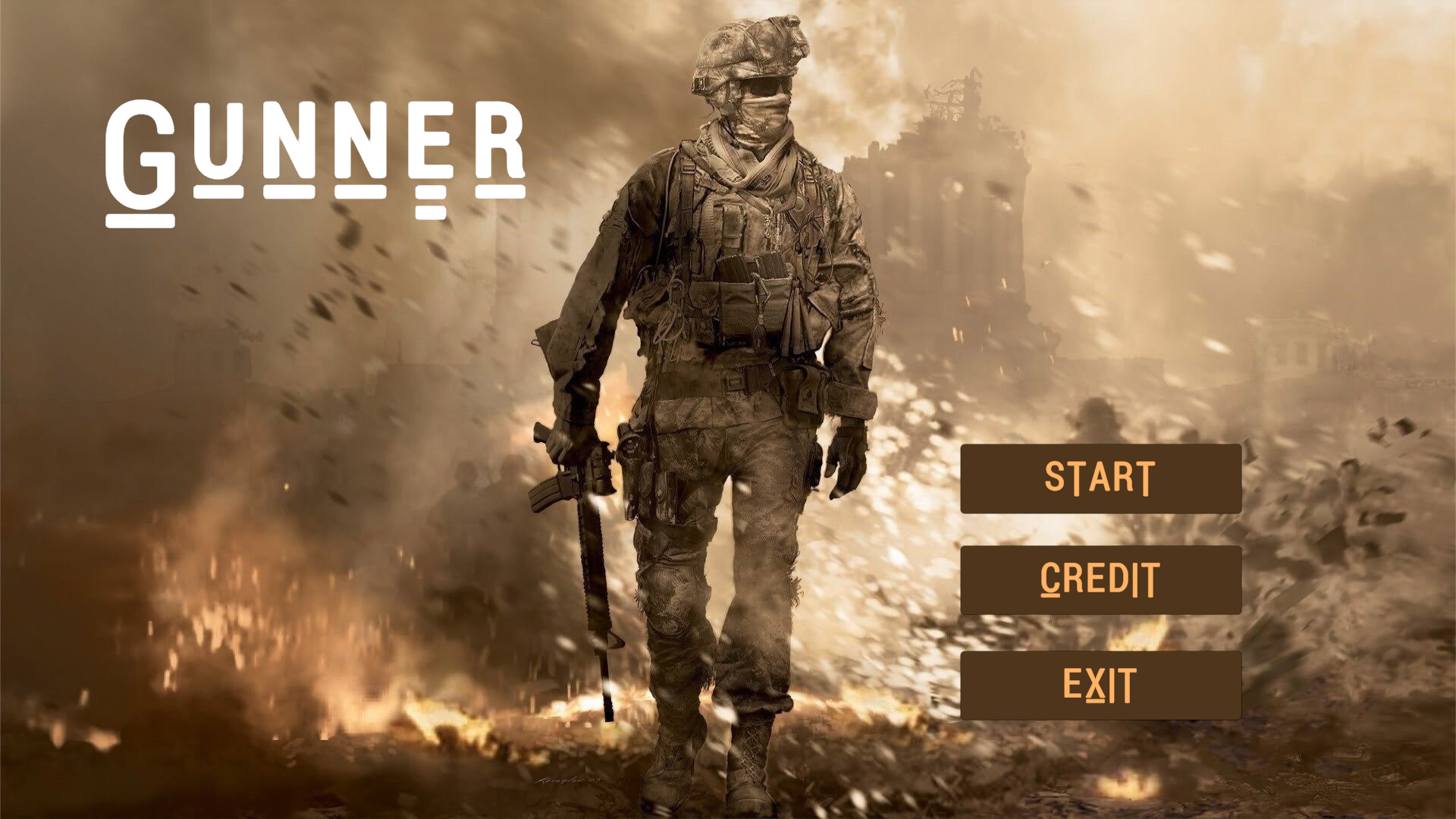 Main Scene / Environment:
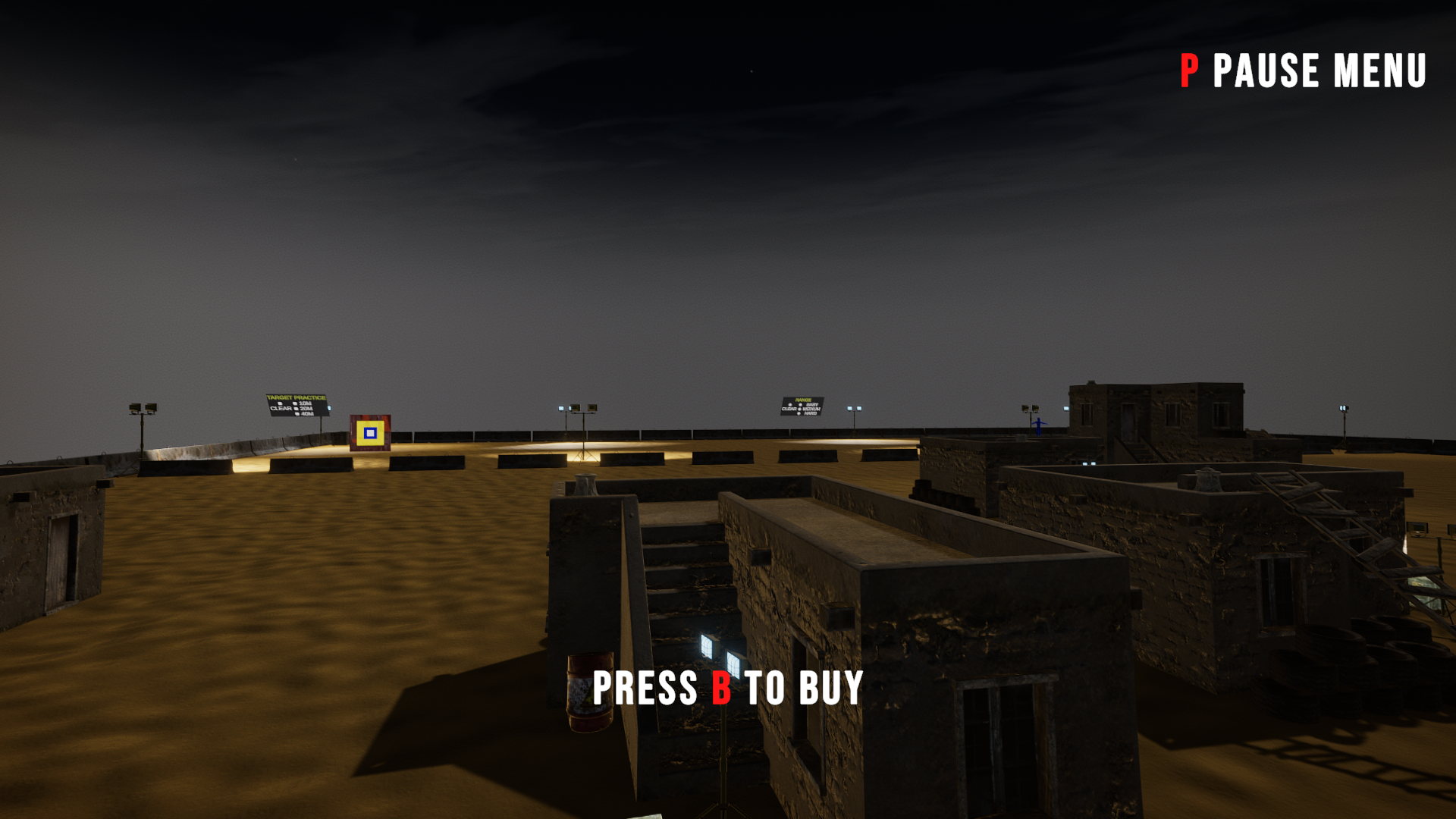 Buy Menu:
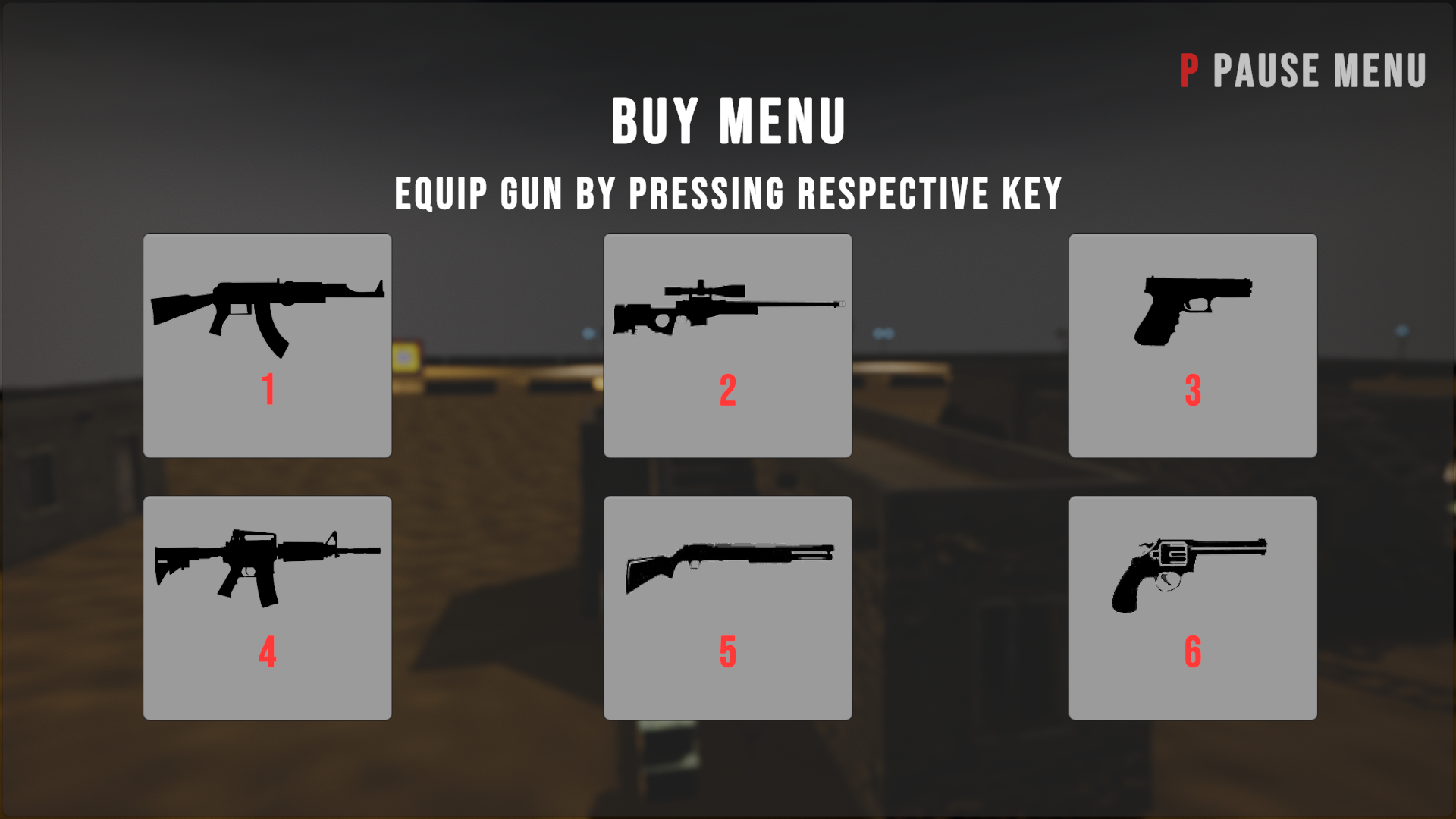 Pause Menu:
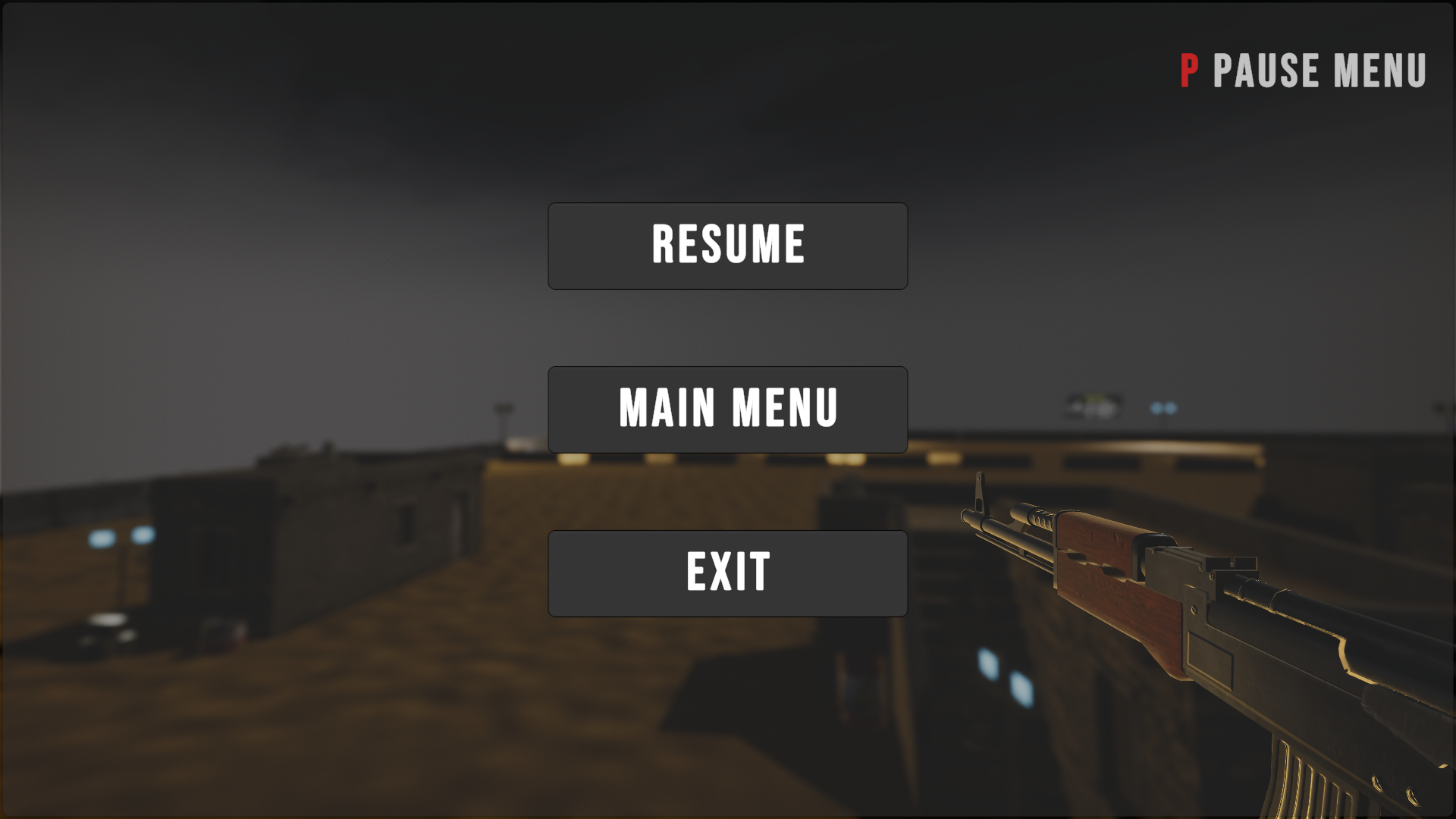 Target Practice Mode:
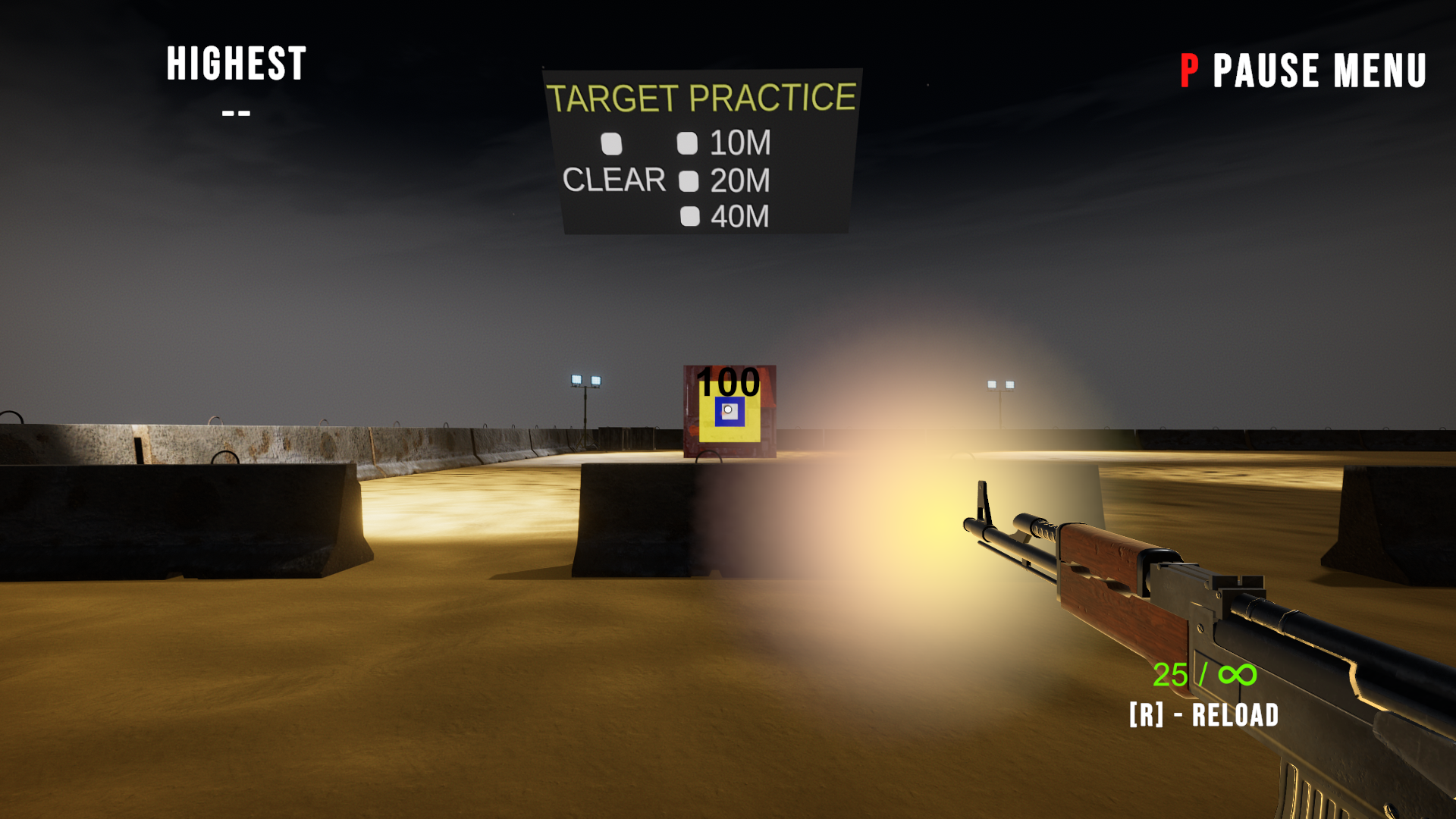 Bot Shooting Mode:
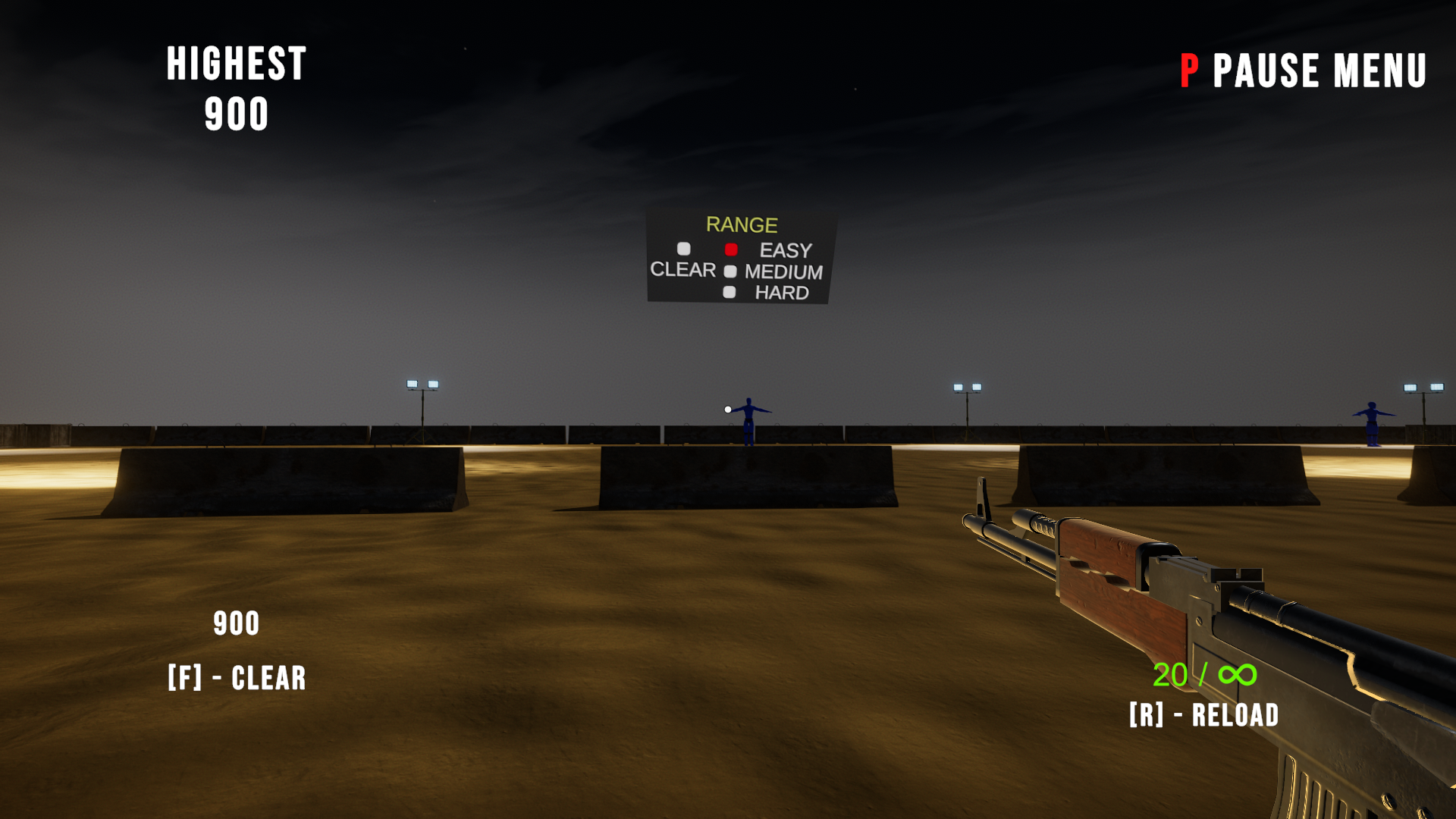 Weapons Helper Dummy:
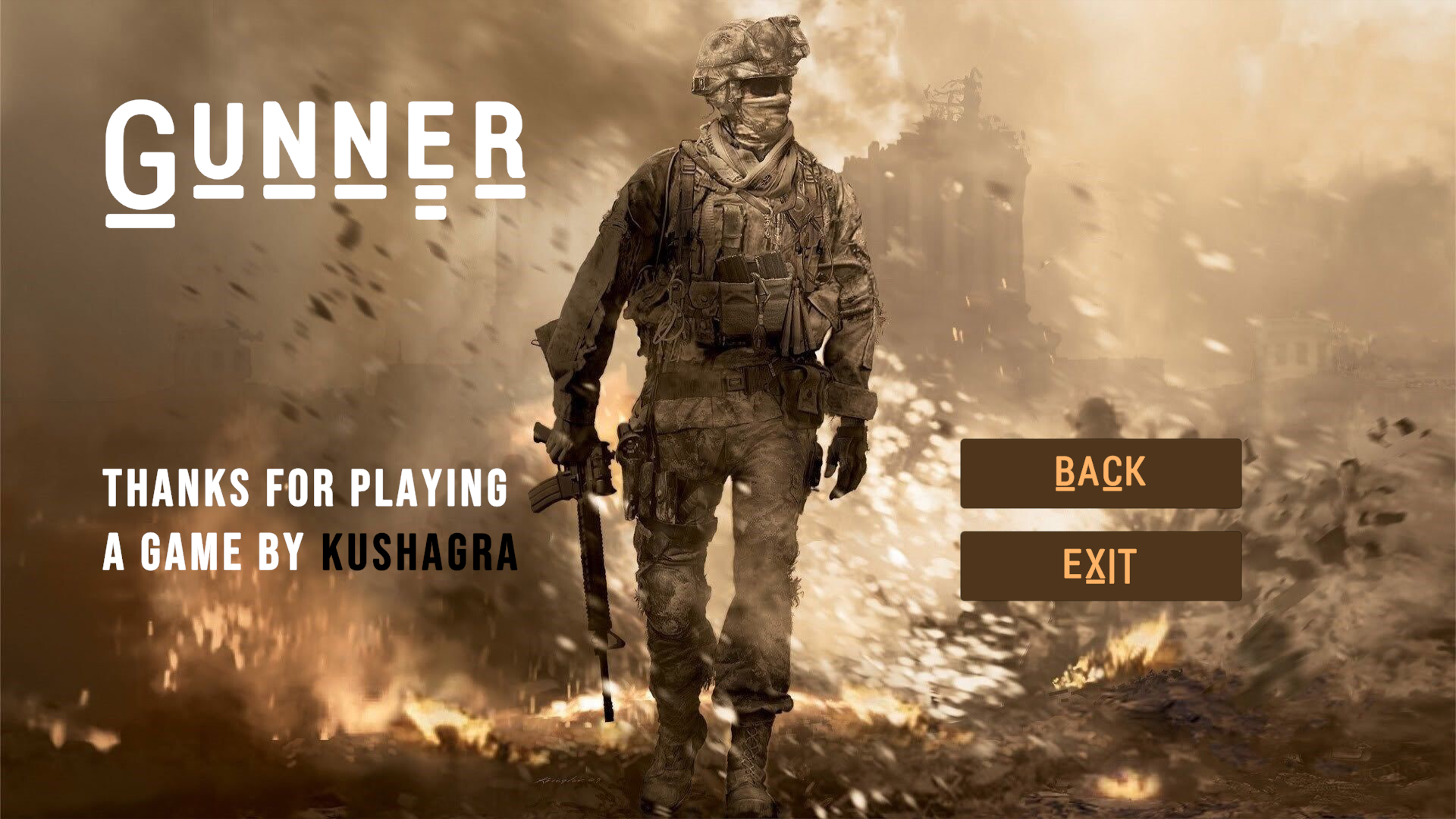
 Credits Screen: